
Counter & retail sales
Oil and mix, plugs, filters, blades, trimmer line, a used mower out front. Ring up what walks out the door in its own sale, so retail never gets buried inside somebody’s carburetor job.
- Multi-item sales with tax figured for you
- Sell from stock, and the count comes down
- Partial payments with a running balance
- Printable sale records
- Retail kept separate from repair revenue in reports
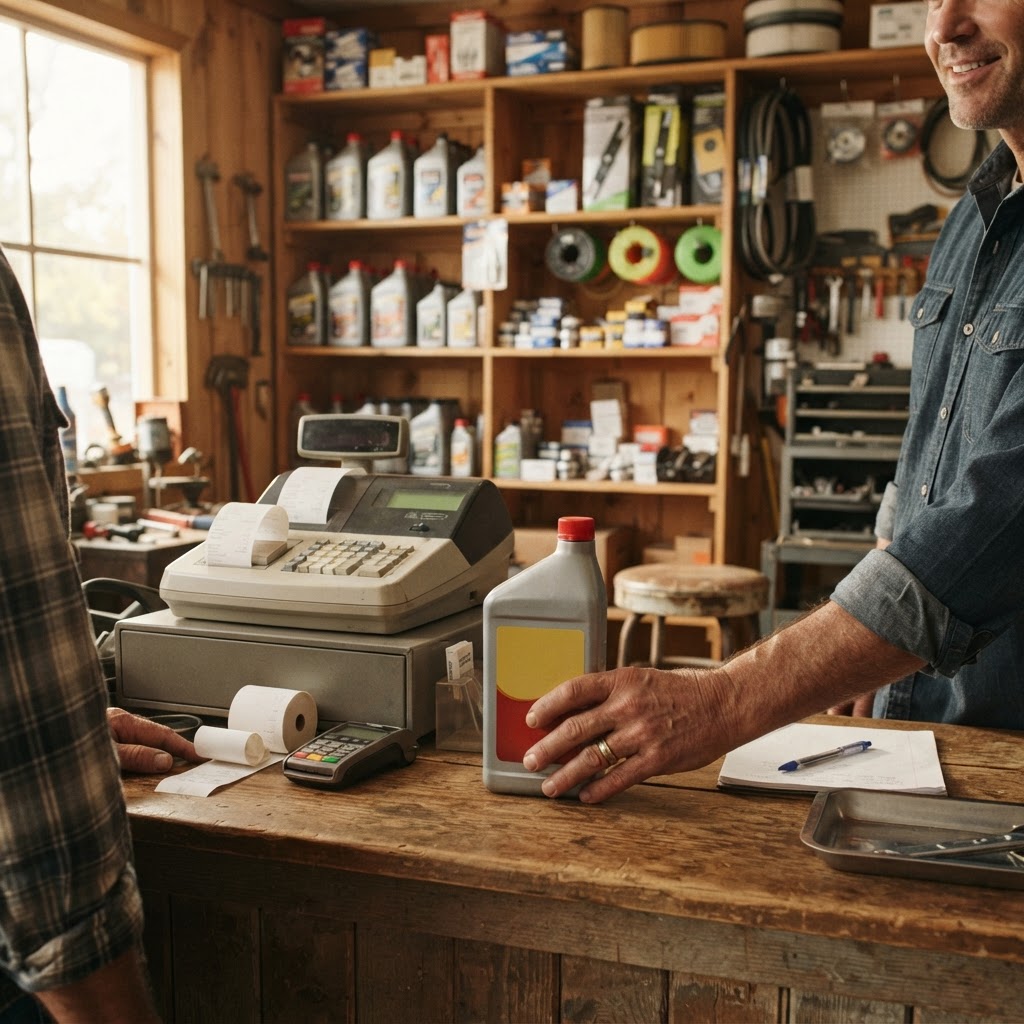
Products and checkout
Start a sale from the Sales page and add as many line items as the customer is buying. Pick an item you already stock, or type in something that isn’t on your shelf list. Each line has its own quantity and price, and the subtotal, tax and total are worked out for you using your shop’s sales tax rate.
Tie it to a customer, or don’t
Attach a sale to a regular customer when you want it on their record, or ring up a walk-in without one. Either way it is saved with the date, the items and any notes you add.
Payments, balances and partial payments
Take the whole amount at the counter, or a deposit now and the rest later. Each sale keeps a running balance and stays marked Open until it is paid in full, then switches to Paid. You can see at a glance which sales still have money owed on them.
A printable sale record
Every sale has its own detail page with the items, quantities, prices, tax, payments received and balance due. Print it for the customer as their receipt, or for your own files.
Inventory that keeps count
When a line item comes from your shop stock, the on-hand count comes down as soon as it sells. Your inventory shows what is left, what it is worth and what is running low, so you know what to reorder before the shelf is bare.
Retail income kept separate from repair jobs
Sales are their own records, never mixed into repair tickets. In your reports, counter sales show as their own line next to job revenue, so you can see what the counter brought in versus what the bench did, along with what those items cost you.
Included on every paid plan
Counter & retail sales come with Pro, Team and up. On the free Solo plan the Sales page shows a lock and takes you to Plan & Billing to compare plans.
Ready to put it to work?
Start free, take in a job today, and see how much of the evening you get back.